If Software Cannot Work, Please Contact Us!!!
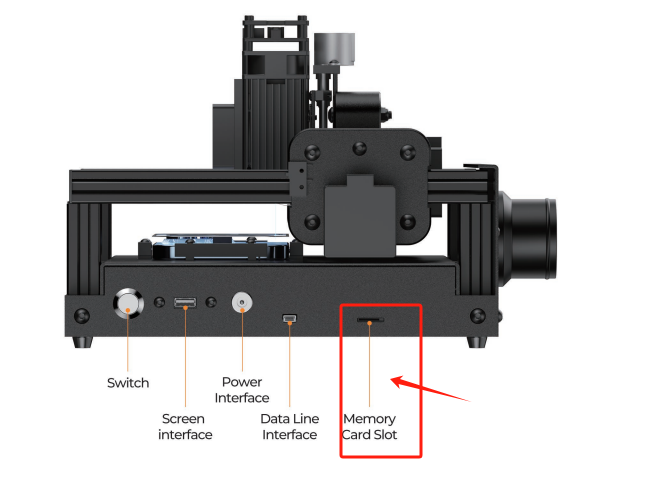
Update V8 Drawing Files Noted
1. Remove the memory card from the machine and insert it into a computer with a Windows system, not compatible with a Mac system.
2. Copy the file to the memory card
3. Then, reinsert the memory card with the updated files back into the machine, and it is ready for normal use.
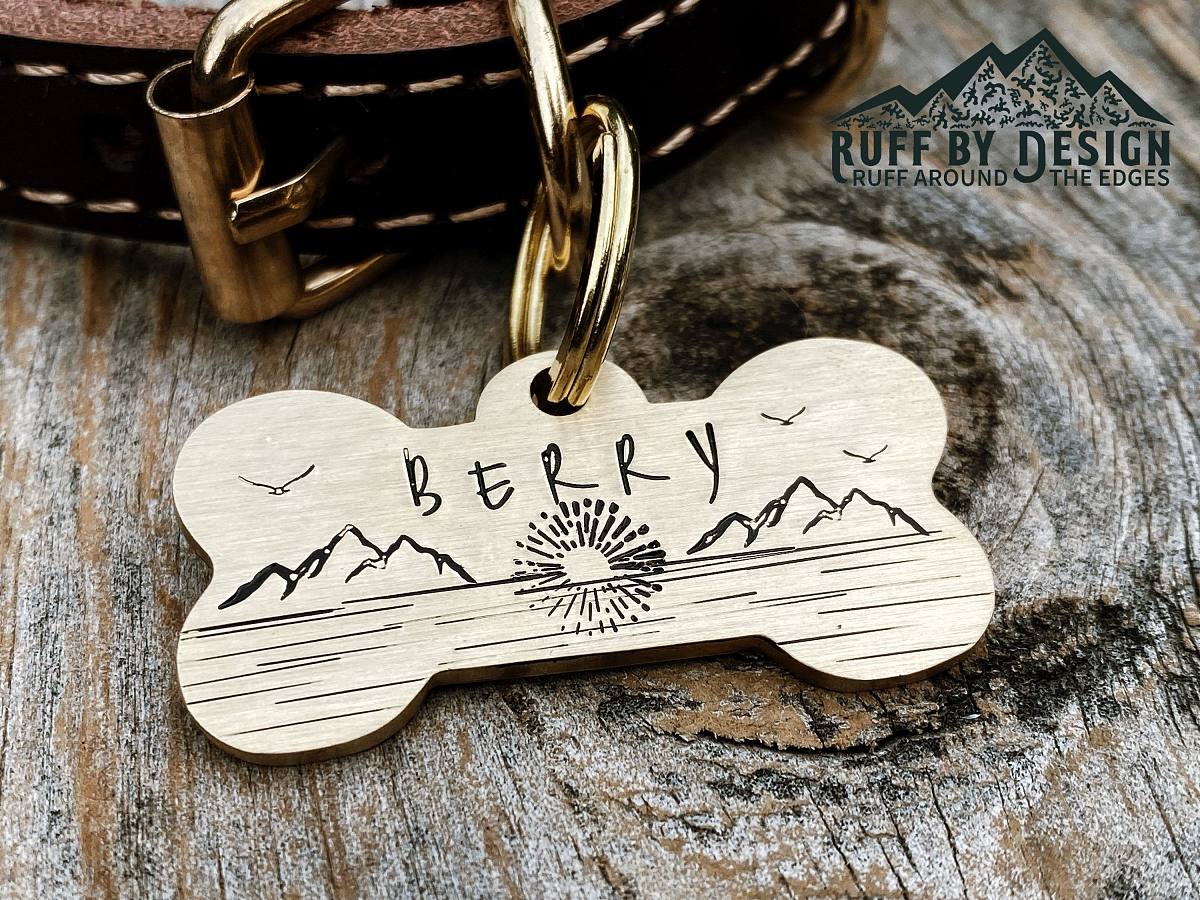
V8 Creative Software
Please Note:
A: The V8 Laser machine can engrave on various materials like coated metals, plastics, aluminum oxide, stainless steel, leather, and wood.
B: When using the laser machine for engraving, it's recommended to use a fan to blow away dust and prevent damage to the laser module. Please note that the previous air filter was mainly for repairing mobile phones.
C: Only supports Xwitzeal V8 Creative software, not Compatible with Lightburn and laserGRBL. Not compatible with macOS; only supports Windows.